Google Tricks: 50 That Still Work in 2026 (Tested)
Here is the problem with most lists of Google tricks: half of them stopped working years ago. Articles at the top of the search results still tell you to try Atari Breakout in Google Images or type Zerg Rush, and then you sit there typing it and nothing happens, and you assume you did it wrong. You didn’t. Those were retired.
So every trick below was checked before publishing, and the ones that have been pulled get their own honest section at the end — along with where they still live. You will find fun stuff, hidden games, real Google secrets most people never open, and the Google search hacks that will genuinely save you time. These all discussed below Google Shortcuts are worth experiencing.
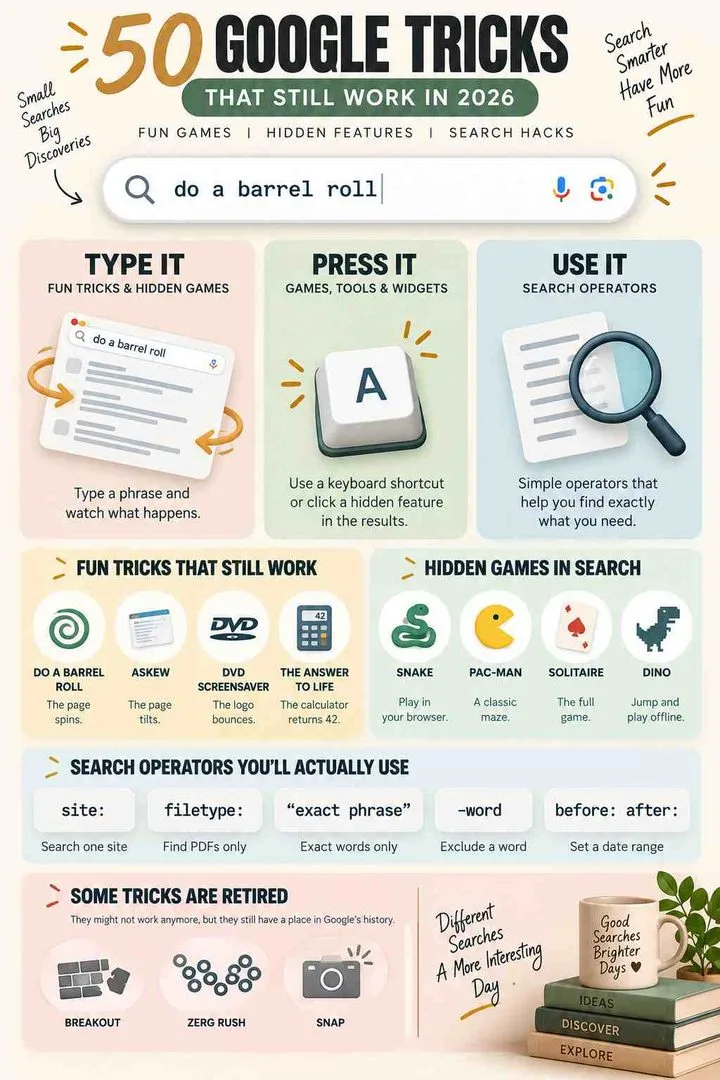
Google tricks are hidden phrases, games and search shortcuts built into Google Search. Type “do a barrel roll” and the page spins. Type “askew” and it tilts. Search Snake, Solitaire, Minesweeper or Tic Tac Toe and a playable game loads. Use operators like site:, filetype: and quotation marks to find things faster. All of the 50 below were tested in September 2026.
The three kinds of Google trick
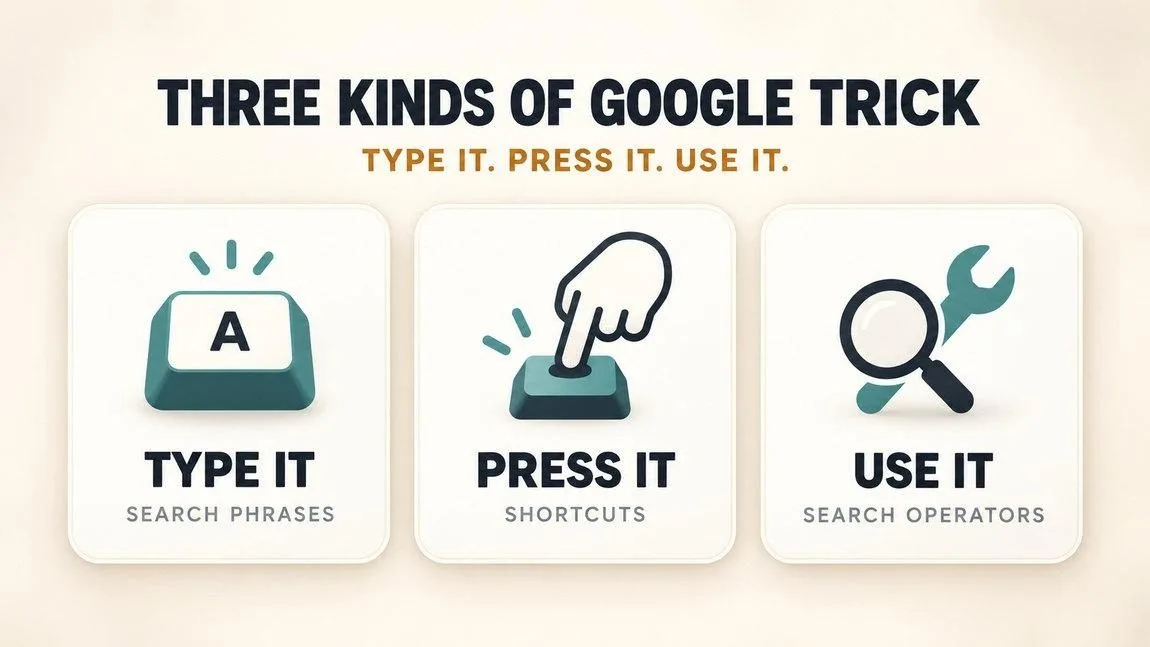
Every trick on this page falls into one of three groups, and knowing which is which saves you a lot of typing into the wrong place.
- Type it. You put a phrase into the search bar and something happens to the page. This is where the fun Google tricks and hidden games live.
- Press it. You use a keyboard shortcut or click something once the results load — games, tools and the little widgets Google builds into the results page.
- Use it. Search operators. Not funny, genuinely useful, and the reason to bookmark this page rather than try it once and forget it.
One caveat that applies to everything here: Google retires tricks without announcing it, and several only fire on desktop, in English, or in certain countries. If one doesn’t work, try it on a laptop in an English-language browser before deciding it’s dead.
Fun Google tricks that still work
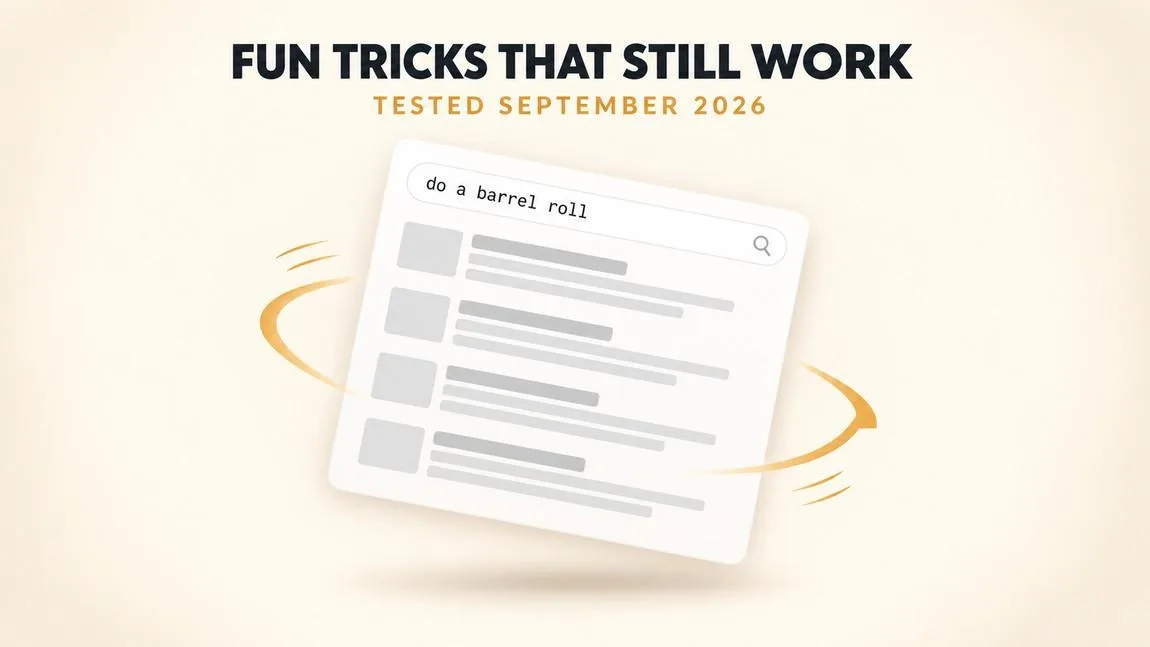
The classics, and the ones worth showing someone. These are pure cool tricks on google — type the phrase, press enter, watch what the page does.
1. Do a barrel roll type it
The whole results page spins through 360 degrees, once, and settles. Launched in 2011 to show off what CSS3 animation could do, and still the single best-known Google trick there is. Do it twice in a row if you want to make someone slightly dizzy.
2. Askew type it
The entire results page leans a few degrees to the right and stays there. Subtle enough that people miss it at first. “Tilt” does exactly the same thing — Google is showing you the definition rather than telling you it.
3. DVD screensaver type it
The Google logo detaches and bounces around inside the results panel like the old DVD player idle screen. Everyone waits to see whether it hits the corner exactly. It rarely does.
4. Recursion type it
Google asks whether you meant “recursion.” Click it. It asks again. And again. A programmer joke that has quietly survived for over a decade.
5. Anagram type it
Search it and Google helpfully asks whether you meant “nag a ram.” Same joke family as recursion, and just as old.
6. The answer to life the universe and everything type it
The calculator returns 42. A Hitchhiker’s Guide reference that has been in there almost as long as the calculator has.
7. The loneliest number type it
Returns 1. Try “the number of horns on a unicorn” for the same treatment — Google’s calculator has a small vocabulary of jokes hidden inside it.
8. Once in a blue moon type it
The calculator gives you an actual frequency, expressed in hertz. Absurdly literal and one of the more charming ones.
9. Bletchley Park type it
The knowledge panel briefly decodes the name as if running through an Enigma machine. A quiet tribute rather than a gag, and easily missed.
10. Fidget spinner type it
A spinner appears in the results that you can drag and flick. It has a hidden second mode — click the small icon to switch it into a numbered wheel you can spin instead.
Hidden Google games
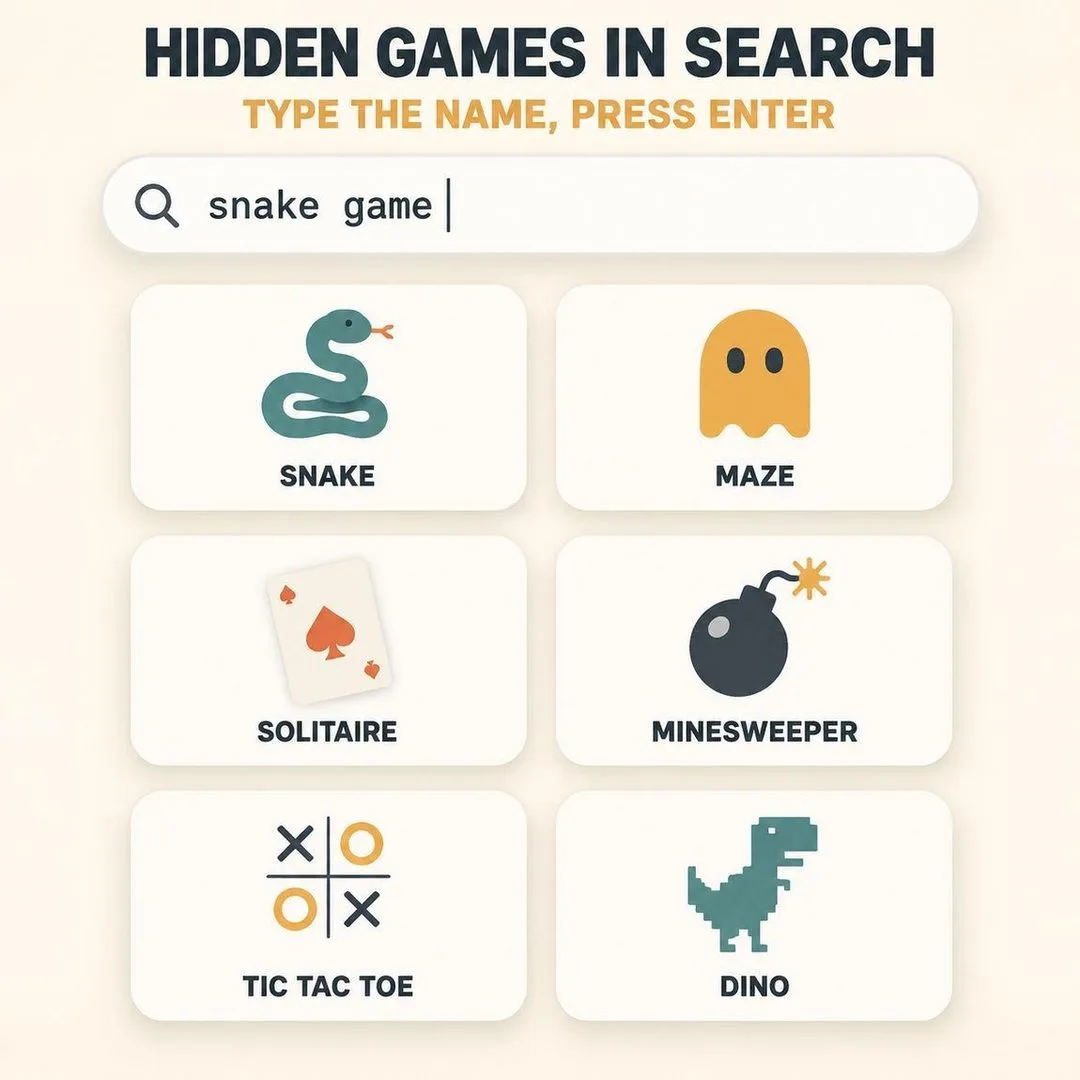
You do not need a website or an app for any of these. Type the name into the search bar and a playable version loads straight into the results. For a much longer list of what to play when there is nothing to do, see our guide to games to play when bored.
11. Snake press it
The full game, in the results, with arrow-key or swipe controls. Google refreshes the artwork for Lunar New Year most years.
12. Pac-Man press it
Search “pacman” and a playable maze loads. It began as a 2010 doodle and Google liked it enough to keep it permanently.
13. Solitaire press it
Klondike, in the results page, with an easy and a hard mode. The most useful entry on this list for a long wait.
14. Minesweeper press it
Three difficulty levels, playable in the panel. Works on mobile too, though tagging mines with a long press takes practice.
15. Tic Tac Toe press it
Three difficulty settings against the computer, or two-player on one screen. Impossible mode genuinely is.
16. The Chrome dinosaur game press it
Turn off your wifi, open any new tab, press space. Over 270 million plays a month, which makes it comfortably the most played thing on this page. You can also reach it by typing chrome://dino into the address bar while online.
17. Baguette type it
A small baguette icon appears in the results. Click it and a catching game starts. One of the odder recent additions and most people have never seen it.
18. Cricket World Cup type it
Loads a small batting game called Mini Cup. Pick a team and play. It appears reliably around major tournaments and quietly the rest of the time.
Google secrets: the tools nobody opens
This is the part of the article that is actually worth your time. Google has built dozens of free tools that never appear on the homepage, and most people have used none of them. These are the real google secrets — not jokes, just genuinely good things hiding in plain sight.
19. I’m Feeling Curious type it
Search the phrase and Google returns a random fact with a source and an “Ask another question” button. Press it repeatedly and half an hour disappears. The single best Google trick for boredom.
20. Google Sky use it
The entire night sky, plus infrared and microwave views, and imagery from Hubble. Pan around the galaxy from a browser tab, free.
21. Google Earth Voyager use it
Guided tours inside Google Earth — shipwrecks, national parks, cities that no longer look like that. Better than scrolling a map at random and almost nobody knows it exists.
22. Google Arts & Culture use it
Museum collections from all over the world in gigapixel resolution, so you can zoom into brushstrokes. The Art Selfie feature matches your face to a painting, which is either flattering or not.
23. Ngram Viewer use it
Type any word and see how often it appeared in books from 1500 to now. Compare two words and you get a genuine picture of how language shifted. Endlessly interesting once you start.
24. Street View time travel press it
In Street View, click the clock icon in the top left and drag the slider back through every previous capture of that spot. Your childhood street, ten years ago. This one gets people.
25. Google Trends use it
See what the world searched for, by country and by year. Compare two terms against each other and you have an instant argument-settler.
26. Quick, Draw! use it
Doodle an object in twenty seconds while a neural network guesses what it is. Watching it fail is better than watching it succeed.
27. Chrome Music Lab and Blob Opera use it
Free browser music toys — Song Maker, Kandinsky, Rhythm, and a four-part opera you conduct by dragging blobs. Built for classrooms, quietly brilliant for adults.
28. Google Scholar use it
Academic papers rather than blog posts. Set an alert on a topic and it emails you new research. Free, and dramatically better than normal search for anything technical.
What is the hidden Google 67 trick?
Search 67 and the results page responds to the “six-seven” meme with a small animation. It arrived in 2025 as part of a batch of pop-culture Easter eggs and is one of the most searched Google tricks going, largely because people see it in a video and cannot work out what they just watched.
That same batch added a John Cena tribute, a Superman and Krypto animation, an aurora borealis effect, and a moon animation tied to the 2025 PN7 asteroid. A word of honesty about all of these: pop-culture eggs are the most likely to be quietly switched off, because they are tied to a moment. If one does not fire, it has probably been retired rather than broken.
29. The 67 trick type it
Search 67 and watch the page react. The meme-referencing Easter egg that sent everyone looking for a list of Google tricks in the first place.
30. Google Doodle archive use it
Every doodle Google has ever run, including the playable ones — the Pac-Man anniversary, the Halloween cat game, the basketball one. Hours of it, all free.
31. Christmas and holiday triggers type it
Search “Santa Tracker” in December, “Christmas” for falling snow effects, or “Diwali” and “Lunar New Year” around those dates. Seasonal, so they will not work in September.
Google search hacks that actually help
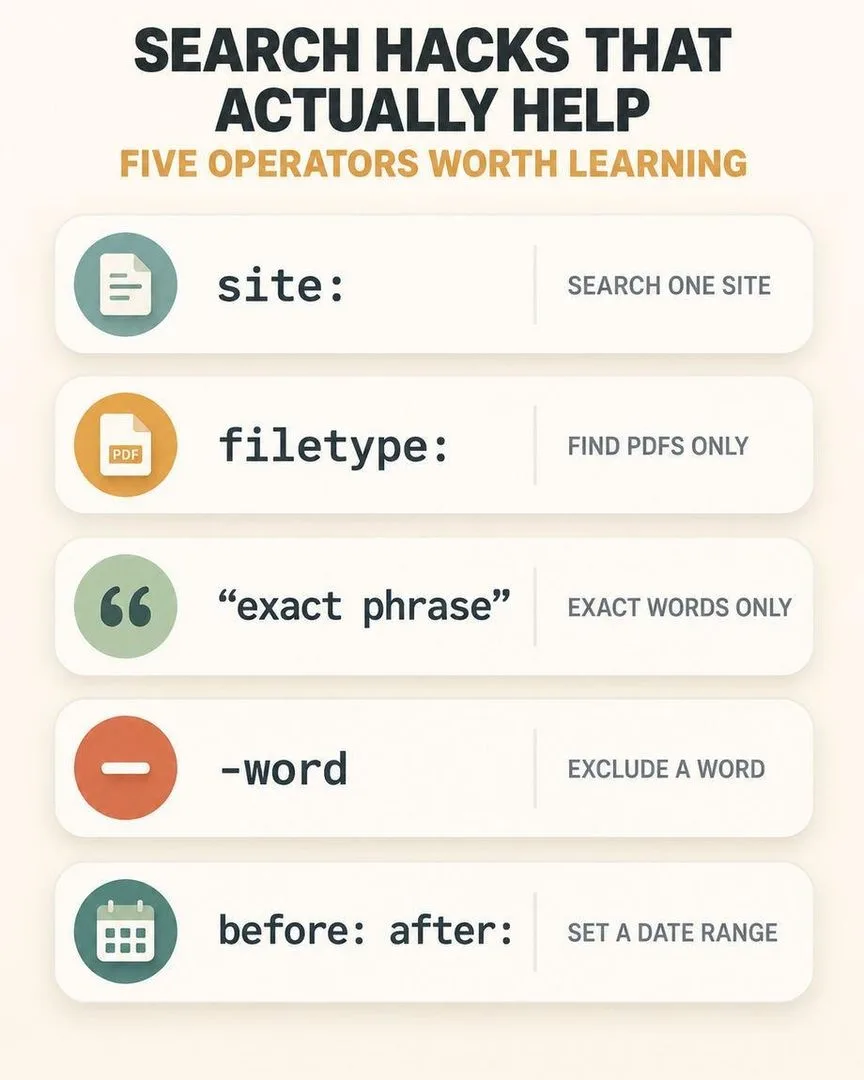
32. site: yoursite.com keyword use it
Searches only within one website. Brilliant for sites with bad internal search, and for checking what Google has actually indexed from a page you own.
33. filetype: pdf use it
Returns only that file type. Add it to a research query and you skip every blog post and land on the actual reports and papers.
34. “Exact phrase in quotes” use it
Forces Google to match the words exactly and in that order. The single most useful operator, and the one that fixes most bad searches instantly.
35. -word to exclude use it
A minus sign directly before a word removes it. Searching for jaguar -car gets you the animal. No space between the minus and the word.
36. before: and after: use it
Set a date range with before:2020 or after:2024. Essential when a topic changed recently and the top results are all five years old.
37. OR between terms use it
Capital letters, both terms searched. “vacation OR holiday” catches both. Use the pipe character as a shortcut if you prefer.
38. An asterisk as a wildcard use it
Stands in for any word. Useful when you half-remember a phrase — search the bit you know with a star where the gap is.
39. intitle: and inurl: use it
Match a word in the page title or the URL specifically. A quick way to find the definitive page on a topic rather than everything mentioning it.
40. related: use it
Type related: followed by any domain and Google shows you similar sites. The fastest way to find alternatives to a tool or shop you already like.
41. define: use it
A definition, pronunciation and origin at the top of the results. Add a second language name to get a translation instead.
Built-in tools hiding in the search bar
You do not need an app for any of these. Type the word and the tool loads straight into the results page — no site to visit, nothing to install.
42. Calculator type it
Search “calculator” and a full scientific one appears. It also handles typed maths directly in the search bar, and it plots graphs if you type an equation.
43. Timer and stopwatch type it
Type “timer 10 minutes” and it starts counting immediately, with an alarm. “Stopwatch” gives you the other one. Faster than reaching for your phone.
44. Unit and currency converter type it
Type “20 miles in km” or “50 usd in gbp” and you get the answer with a full converter panel underneath, using live exchange rates.
45. Translate type it
Type “translate good morning to japanese” and it appears in the results with audio. No need to open Translate at all.
46. Flip a coin and roll a die type it
Both do exactly what they say, right in the results. “Roll a d20” works too, and “spinner” gives you a random number wheel.
47. Color picker type it
Search “color picker” for a full hex and RGB picker in the results panel. Genuinely useful and almost nobody knows it is there.
Google tricks for students

If you are writing something with a deadline attached, these three change how fast you find decent sources. Combine them with the operators above — filetype:pdf inside a site: search is how you find a syllabus reading list in about eight seconds.
48. Google Books full-text search use it
Search inside the text of millions of books, including ones you do not own. Enough preview usually shows to confirm whether a quote or a claim is really in there.
49. Google Dataset Search use it
A search engine purely for published datasets. If you need a real number for an assignment rather than someone’s blog paraphrase of one, start here.
50. Reverse image search with Lens use it
Drag any image into the search bar or use the camera icon. It finds the original source, which is the quickest way to check whether a chart or photo is what someone claims it is.
More ways to survive a dull school day in our guide to things to do when bored at school.
Google tricks that no longer work — and where they went
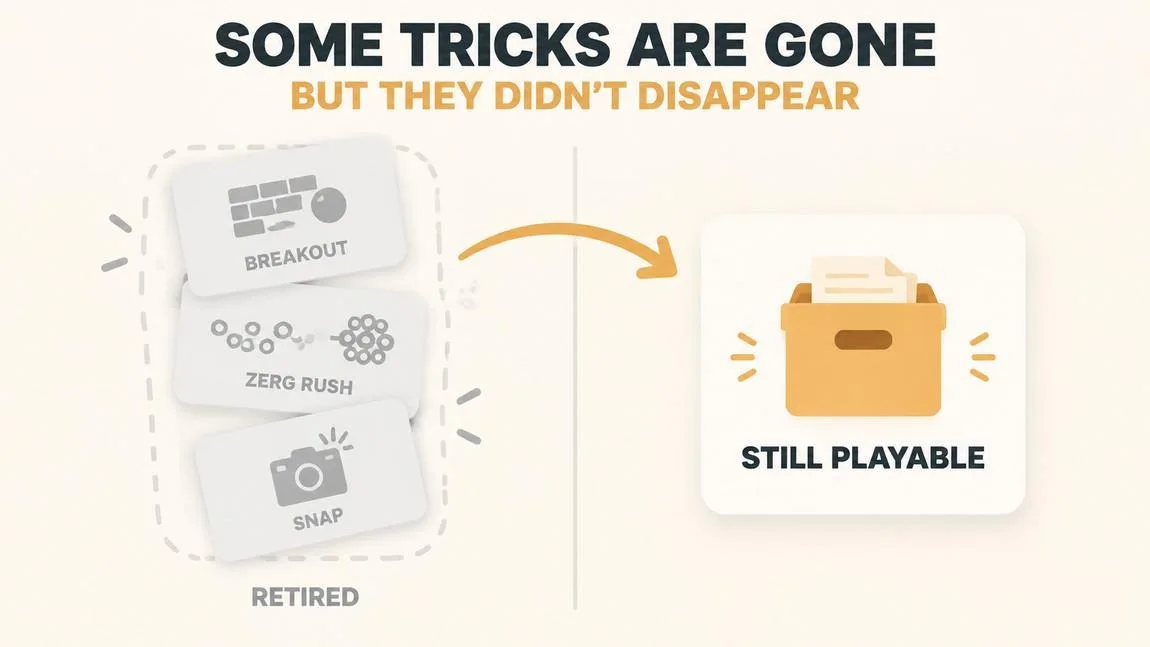
These are still recommended by articles ranking on page one right now, and they will not work for you. Google retires Easter eggs quietly, with no announcement, so the lists never get corrected.
- Atari Breakout in Google Images — retired. Your image results used to turn into breakable bricks.
- Zerg Rush — retired from standard Search. Little Google o’s used to fall and eat your results while you clicked to fight them off.
- The Thanos snap — retired. Half your search results dissolved into dust.
- Google Gravity — never an official Google feature. It was an experiment by developer Mr Doob that the internet adopted as if Google built it.
All four survive on elgooG, an unofficial fan archive that rebuilds retired Google Easter eggs so they still run. It also hosts Google in 1998, Google Gravity, Google Tilt, a Tetris homepage and a 3D version of the dinosaur game. If a trick from an old list does not fire, check there before assuming you imagined it.
A note on how this page stays honest: everything above was tested in September 2026. Google will retire more of these without telling anyone, so if you find one here that has gone dark, tell us and it moves down to this section. That is the deal.
Quick reference: type this, get that
| Type this into Google | What happens |
|---|---|
| do a barrel roll | The results page spins once |
| askew | The page tilts to one side |
| dvd screensaver | The logo bounces around the panel |
| recursion | Google asks if you meant recursion |
| i’m feeling curious | A random fact, with a button for another |
| snake / solitaire / minesweeper | A playable game loads in the results |
| timer 10 minutes | A countdown starts immediately |
| site: example.com word | Searches only that one website |
| “exact phrase” | Matches those words in that order |
| filetype:pdf | Returns only PDF documents |
Google tricks: FAQ
What are 10 Google tricks?
Do a barrel roll, askew, DVD screensaver, recursion, anagram, I’m Feeling Curious, Snake, Solitaire, Minesweeper and Tic Tac Toe. The first five change how the results page behaves; the last five load playable games straight into the search results. All ten were tested in September 2026.
What is the hidden Google 67 trick?
Searching 67 triggers an animation on the results page referencing the “six-seven” meme. It was added in 2025 alongside a John Cena tribute, a Superman and Krypto animation and an aurora effect. Pop-culture Easter eggs like these are the most likely to be quietly retired, so it may not fire forever.
How to do a Google magic trick?
There is no single magic trick — people usually mean the visual Easter eggs. Type “do a barrel roll” and the page spins, “askew” and it tilts, or “dvd screensaver” and the logo bounces around. They work best on a desktop browser in English, which is why they sometimes fail on a phone.
What are 10 secrets that Google has?
I’m Feeling Curious, Google Sky, Earth Voyager, Arts & Culture, Ngram Viewer, Street View time travel, Google Trends, Quick Draw, Chrome Music Lab and Dataset Search. None of them appear on the Google homepage and all of them are free, which is why almost nobody has opened them.
What are the best Google search hacks?
Put an exact phrase in quotation marks, use site: to search one website, filetype:pdf to find documents rather than blog posts, a minus sign to exclude a word, and before: or after: to set a date range. Those five fix the overwhelming majority of bad searches.
Do Google tricks still work in 2026?
Most of the classics do — barrel roll, askew, and the built-in games all still fire. But Atari Breakout, Zerg Rush and the Thanos snap have been retired from Search, despite still appearing on lists ranking today. Retired ones are preserved on the fan archive elgooG.
Why doesn’t my Google trick work?
Three usual reasons: it has been retired, you are on mobile when it only runs on desktop, or your Google is set to a language or country where it does not fire. Try it on a laptop in an English-language browser before giving up on it.
What are some cool things to search on Google?
“I’m feeling curious” for a random fact, “once in a blue moon” for the literal frequency, “the answer to life the universe and everything” for 42, “bletchley park” for a decoding animation, and “fidget spinner” for a spinner you can actually flick.
Are Google tricks safe?
Yes. They are built and maintained by Google’s own engineers, install nothing on your device, and collect no extra data. They are small jokes and tools inside the search results page, not downloads.
Try five, keep two
Nobody remembers fifty of anything. Run the barrel roll for the fun of it, then take two of the search operators — quotation marks and site: are the two that pay off daily — and use them until they are automatic. That is the whole value of this page in one sentence.
If you came here because you were bored rather than because you wanted better search results, we have a whole list of websites to cure boredom, plus things to do on your phone when bored, things to do when bored on computer and the main things to do when bored guide. For the full history of these, Wikipedia keeps a running record of Google Easter eggs.