Google Easter Eggs: 45 Hidden Surprises Across Every Google Product (2026)
Our guide to Google tricks covers the 50 best search tricks, hidden games and search operators. This page goes wider. Google hides easter eggs inside everything it makes — Maps, Android, YouTube, Chrome, Google Docs, Google Earth, even the Google Assistant. Most people have only ever seen the Search ones. The ones buried in other products are stranger, more creative, and far less documented.
Every easter egg below has been verified in September 2026. Each is marked as working, intermittent or retired. Nothing on this page duplicates the Google tricks list — if you want do-a-barrel-roll, askew, Snake, Solitaire and the search operators, that is the page. This one goes everywhere else.
Google Easter eggs are hidden features, jokes, animations and interactive surprises intentionally placed inside Google products. They exist across Google Search, Google Maps, Android, YouTube, Chrome, Google Docs, Google Earth and the Google Assistant. Over 45 are verified working in September 2026 across these products.
Google Search easter eggs not in our tricks list
The Google tricks guide covers the classics — barrel roll, askew, the built-in games, the 67 trick. These are the Search easter eggs it does not cover.
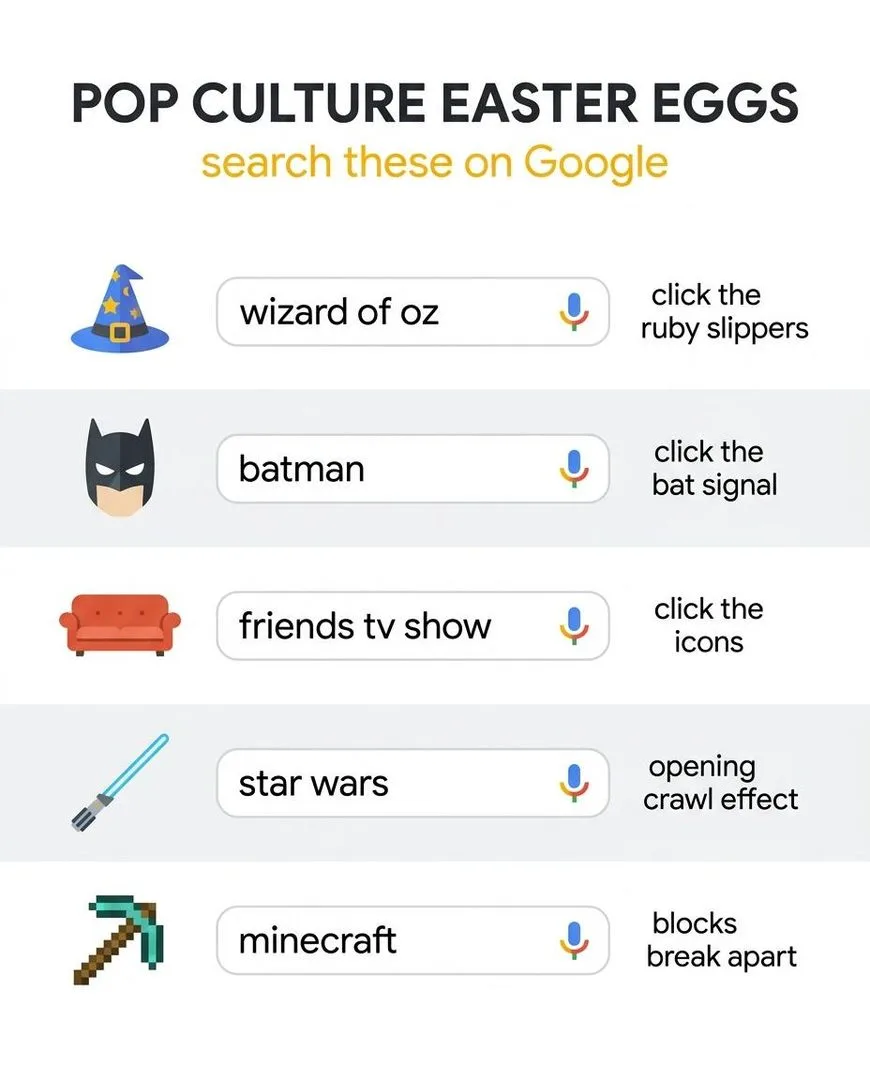
1. Wizard of Oz — ruby slippers
✅ Working — Sep 2026
How: Search “Wizard of Oz” and click the ruby slippers in the knowledge panel
The page transforms to sepia like the opening of the 1939 film. A tornado icon appears — click it and the page whooshes back to full colour. One of the most creative easter eggs Google has ever built, and it works on both desktop and mobile. The colour transition is genuinely beautiful.
2. Sonic the Hedgehog
✅ Working — Sep 2026
How: Search “Sonic the Hedgehog” and click the character sprite in the knowledge panel
Sonic does his classic spin animation. A small, quick nod to Sega’s mascot that has survived years of Google redesigns. Tap him multiple times for repeated spins.
3. Super Mario Bros question block
✅ Working — Sep 2026
How: Search “Super Mario Bros” and click the flashing question-mark block in the results
The iconic coin sound plays and a coin flies out, just like the original Nintendo game. Keep clicking — after enough coins, a 1-Up mushroom appears with the extra-life sound effect. The coin counter tracks your total.
4. Cha Cha Slide
✅ Working — Sep 2026
How: Search “cha cha slide”
The results page subtly slides left and right, following the dance instructions from DJ Casper’s song. It is gentle enough that you might think your screen is glitching until you realise what is happening. Best experienced on desktop where the shift is more visible.
5. Conway’s Game of Life
✅ Working — Sep 2026
How: Search “Conway’s Game of Life”
A simulation of John Conway’s famous cellular automaton runs in the background of the results page. Blue cells spawn, evolve and die according to the mathematical rules while you read the results. A quiet tribute to one of the most important mathematical discoveries of the 20th century.
6. Googly eyes
✅ Working — Sep 2026
How: Search “googly eyes”
A pair of cartoon googly eyes slides down from the top of the page and attaches to the two O letters in the Google logo. They follow your cursor around. Pointless, charming, and one of the newer additions that most lists miss.
7. Blink HTML
✅ Working — Sep 2026
How: Search “blink html”
Certain words in the search results literally blink on and off, recreating the <blink> HTML tag that was removed from web standards because everyone hated it. A tribute to early web design that makes every developer wince and smile simultaneously.
8. More Fish Please
✅ Working — Sep 2026
How: Search “more fish please”
A small aquarium appears with fish swimming across the search results. You can click to feed them. At 8,100 monthly searches this is one of the most-searched newer easter eggs, and most people find it through TikTok videos rather than articles.
9. Festivus
✅ Working — Sep 2026
How: Search “festivus”
An unadorned aluminium pole appears alongside the search results — a reference to the fictional holiday from Seinfeld’s “The Strike” episode. Frank Costanza would be proud. Works year-round, not just in December.
10. Marquee HTML
✅ Working — Sep 2026
How: Search “marquee html”
The results count at the top of the page scrolls sideways like an old HTML marquee tag. Another developer joke in the same family as blink HTML — a loving tribute to a web technology the world agreed to abandon.
11. Webdriver Torso
✅ Working — Sep 2026
How: Search “Webdriver Torso”
The Google logo briefly transforms into coloured rectangles, referencing a mysterious YouTube channel that uploaded thousands of identical test videos. It was eventually revealed to be a Google-owned quality testing channel, and the easter egg commemorates the internet’s obsession with solving the mystery.
12. BTS / BLACKPINK / IVE
✅ Working — Sep 2026
How: Search any of these K-pop groups
Special animations and interactive fan experiences appear in the knowledge panel. BTS received a fresh Easter egg in 2026. These are promotional collaborations that may be temporary, but K-pop easter eggs have been refreshed consistently since 2020.
13. Google in 1998
✅ Working — Sep 2026
How: Search “Google in 1998”
The results page transforms into what Google looked like the year it launched — the old logo, the stripped-down layout, the exclamation mark. A 26-year time machine you can trigger in two seconds.
Google Maps easter eggs
Google Maps hides more easter eggs than any other Google product. Most of them involve the Pegman — the little yellow Street View figure — transforming when you drag him near specific locations.
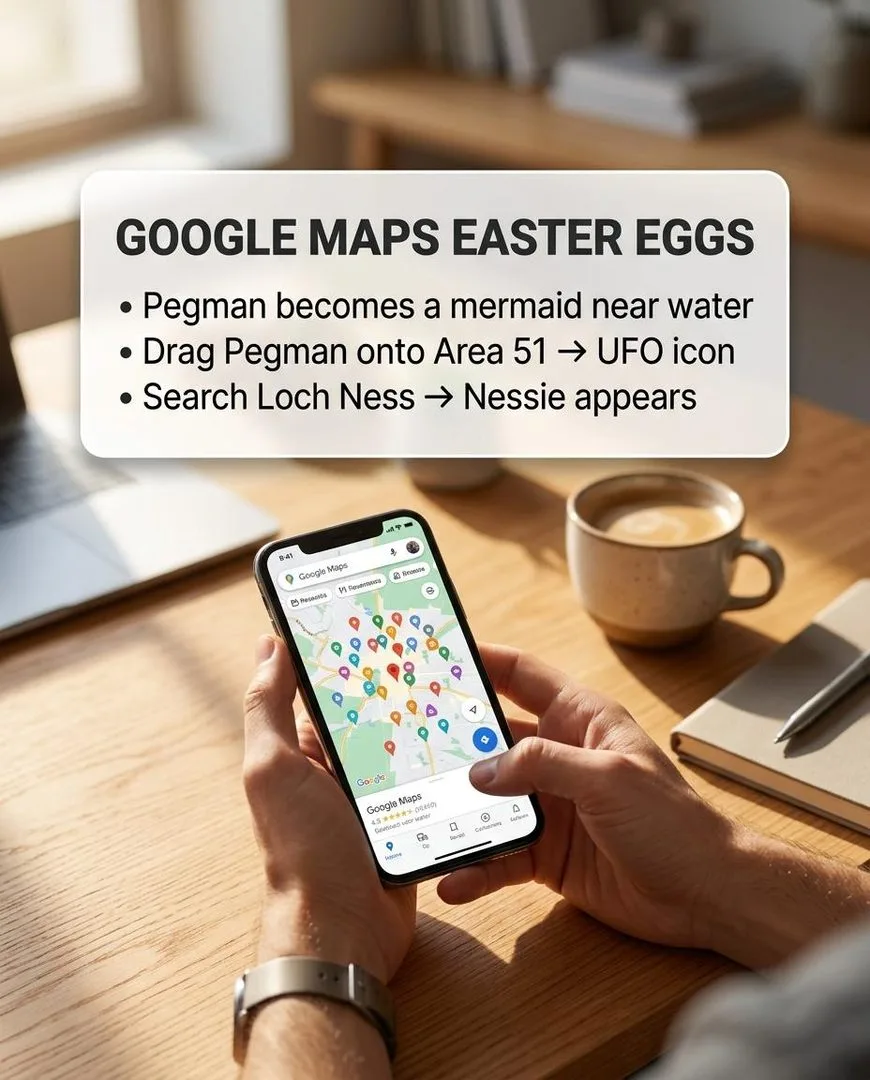
14. Loch Ness Monster Pegman
✅ Working — Sep 2026
How: Drag Pegman near Loch Ness, Scotland in Google Maps
The Pegman transforms into the Loch Ness Monster — a green silhouette with humps. Drop him and you get boat-level Street View of the loch. Google is not confirming Nessie exists. Google is not denying it either.
15. UFO Pegman at Area 51
✅ Working — Sep 2026
How: Drag Pegman near Area 51, Nevada
The Pegman transforms into a flying saucer. The actual Street View coverage of Area 51’s perimeter is also available, which is arguably more interesting than the icon.
16. TARDIS interior
✅ Working — Sep 2026
How: Search “Doctor Who TARDIS Google Maps” or navigate to Earl’s Court, London
A blue police box appears on the map. Click it and Google Street View takes you inside the TARDIS, with a fully rendered interior. Yes, it is bigger on the inside.
17. International Space Station walkthrough
✅ Working — Sep 2026
How: Search “International Space Station” in Google Maps
Full 360-degree Street View imagery from inside the ISS. Float through the modules, look out the cupola window at Earth. Less of a joke and more of a genuine achievement, but it feels like a secret because almost nobody knows it exists.
18. Google Earth Flight Simulator
✅ Working — Sep 2026
How: Inside Google Earth, press Ctrl+Alt+A (Windows) or Cmd+Option+A (Mac)
A hidden flight simulator launches inside Google Earth. Choose between an F-16 fighter jet and a Cessna SR22, pick any airport on the planet, and fly over real satellite imagery. It has been hidden in Google Earth for over a decade and most people have never opened it.
19. Google Earth Moon and Mars
✅ Working — Sep 2026
How: Google Earth menu → switch to Moon or Mars
Google Earth includes full surface maps of the Moon and Mars with named craters, landing sites and terrain data. You can visit every Apollo landing site and the Mars rover tracks. Free and largely unknown.
20. Pegman becomes a snowman
⚠️ Intermittent — may not fire every time
How: Drag Pegman during winter months or near Arctic/Antarctic regions
The Pegman sometimes transforms into a snowman during December and January, or when you drag him near polar regions. Seasonal and intermittent — it does not fire every time.
21. Pegman surfer near beaches
⚠️ Intermittent — may not fire every time
How: Drag Pegman near certain coastal areas in Hawaii or Australia
The Pegman occasionally transforms into a surfer on a surfboard when dragged near famous surfing beaches. More reliable on Hawaiian coastline than elsewhere.
22. Leaning Tower of Pisa Pegman
✅ Working — Sep 2026
How: Drag Pegman near the Leaning Tower of Pisa, Italy
The Pegman tilts at the same angle as the tower. A small visual joke that rewards anyone patient enough to try Street View at a specific landmark.
Android hidden easter eggs
Every version of Android has a hidden easter egg buried in the Settings menu. Some are games, some are animations, and each one is different.
23. Android version easter egg (any version)
✅ Working — Sep 2026
How: Settings → About Phone → tap “Android version” repeatedly
Rapidly tapping the Android version number in Settings unlocks a hidden animation or game specific to that version. Android 14 has a space-themed experience. Android 13 had a clock widget. Android 11 had a cat-collecting game. Android 12 had floating coloured circles. Every major version hides something different, and finding it is a rite of passage for every new phone.
24. Android Flappy Bird clone (Android 5–6)
✅ Working — Sep 2026
How: Settings → About Phone → tap Android version → long-press the lollipop/marshmallow icon
Android 5 (Lollipop) and Android 6 (Marshmallow) hid a fully playable Flappy Bird clone behind the version easter egg. The bird was the Android robot and the pipes were lollipops or marshmallows. If you still have an old Android phone, it is still there.
25. Landroid (Android 17)
✅ Working — Sep 2026
How: Settings → About Phone → tap Android version in Android 17
The newest Android easter egg as of 2026. Android 17 includes a hidden star puzzle and a space experience called Landroid. Google has made each version’s easter egg progressively more elaborate.
YouTube easter eggs
26. Snake game on any YouTube video
⚠️ Intermittent — may not fire every time
How: Pause any YouTube video, then type the word “awesome” on your keyboard
The progress bar starts flashing rainbow colours. This was a classic YouTube easter egg that has come and gone over the years. In some browser versions, you could also play Snake on the video by pressing a specific key combination during playback. Test it — YouTube rotates these without announcement.
27. Webdriver Torso channel
✅ Working — Sep 2026
How: Search “Webdriver Torso” on YouTube
A Google-owned channel with thousands of short test videos — nothing but coloured rectangles and beeping tones. In 2014 the internet became obsessed with figuring out what it was. Google eventually confirmed it was an automated quality-testing channel and added a joke video with the Google logo made of rectangles.
28. “Do the harlem shake”
⚠️ Intermittent — may not fire every time
How: Search “do the harlem shake” on YouTube (legacy — intermittent)
The entire YouTube results page used to start shaking and bouncing to the Harlem Shake beat. This was a 2013 meme-era easter egg that YouTube has toggled on and off over the years. It may or may not fire in 2026 depending on when you try.
Google Docs, Sheets and Slides easter eggs
29. Google Sheets — happy birthday confetti
✅ Working — Sep 2026
How: Type “happy birthday” into a Google Sheets cell and press Enter
Confetti rains down across the spreadsheet. It only fires when the exact phrase is typed into a cell. The confetti animation is brief and celebratory, and it works in September — not just in December.
30. Google Slides — pirate language
✅ Working — Sep 2026
How: Google Slides Settings → Language → English (Pirate)
Change Google’s interface language to “English (Pirate)” and every menu label, button and tooltip in Docs, Sheets and Slides switches to pirate speak. “File” becomes “Log”, “Edit” becomes “Swab the Deck”, and so on. This applies across all Google products, not just Slides.
31. Google Docs — hacker language
✅ Working — Sep 2026
How: Google Settings → Language → Hacker
The entire Google interface switches to 1337speak. “Search” becomes “534rch”, “Settings” becomes “53tt1ng5”. Every menu, every button, every tooltip. It is surprisingly usable once your brain adjusts.
32. Google Docs — Klingon language
✅ Working — Sep 2026
How: Google Settings → Language → Klingon
Google’s interface translated into Klingon from Star Trek. Menu labels, tooltips and buttons are all in the constructed language. A nerd purity test: if you can navigate your Drive in Klingon, you have earned something.
33. Google Sheets — type a font name to preview it
✅ Working — Sep 2026
How: Search any font name like “Calibri” or “Comic Sans” in Google Search
Google changes the results page text to that font, letting you preview it instantly. Search “Comic Sans” and watch every result render in it. A useful tool disguised as an easter egg.
Chrome browser easter eggs
34. chrome://dino (with variations)
✅ Working — Sep 2026
How: Type chrome://dino in the address bar
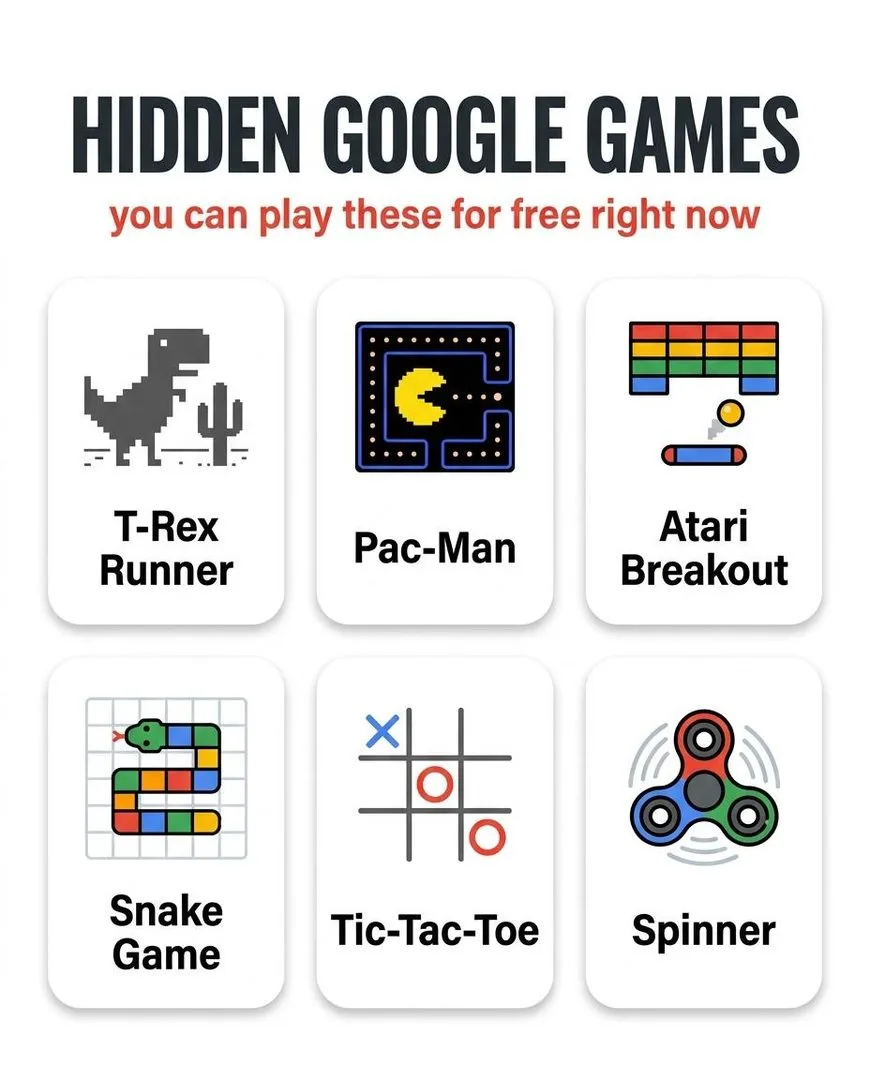
The famous T-Rex runner game, playable any time without going offline. But there are hidden variations: during certain holidays the T-Rex wears a hat, the cacti get festive, and the colour palette changes. The game also has a secret night mode that triggers automatically after a certain score.
35. chrome://interstitials
✅ Working — Sep 2026
How: Type chrome://interstitials in the address bar
A hidden page showing every warning screen Chrome can display — malware, phishing, certificate errors, safe browsing alerts. It is a developer tool, but scrolling through the gallery of warnings is oddly fascinating. You are looking at every bad thing Chrome tries to protect you from.
36. chrome://flags
✅ Working — Sep 2026
How: Type chrome://flags in the address bar
Access to every experimental feature Chrome is testing before it launches publicly. Hundreds of toggles for features most people will not see for months. Not exactly an easter egg, but definitely a hidden power-user secret that changes how the browser works.
Google Assistant easter eggs
Ask Google Assistant (on a phone, smart speaker, or Google Home) any of these. The responses are scripted jokes hidden by the voice team.
37. “Up, up, down, down, left, right, left, right”
✅ Working — Sep 2026
How: Say the Konami Code to Google Assistant
Google Assistant responds: “Cheat mode unlocked. Unlimited free Google searches.” The classic cheat code from Contra, applied to a search engine that was already free and unlimited. The joke lands perfectly.
38. “What does the fox say?”
✅ Working — Sep 2026
How: Ask Google Assistant
A scripted response mimicking the Ylvis song, with different variations each time you ask. One of the oldest Assistant easter eggs and still one of the funniest.
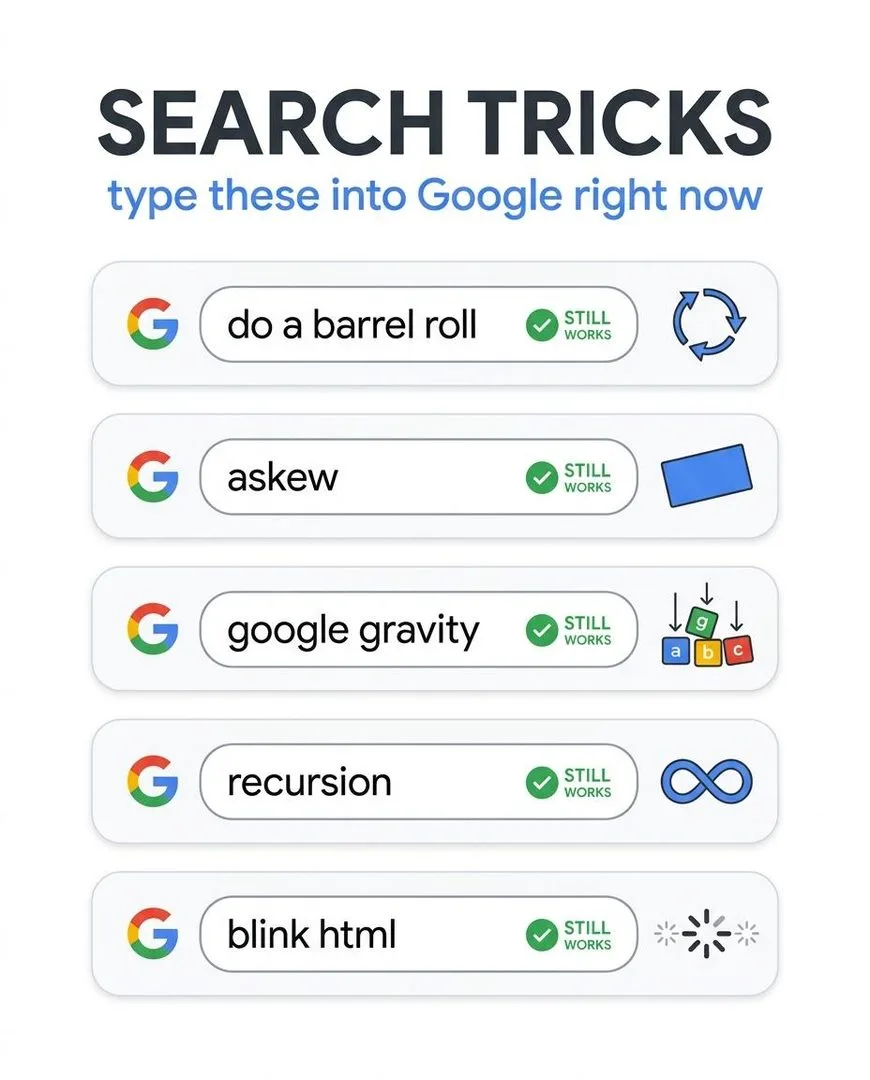
39. “Do a barrel roll”
✅ Working — Sep 2026
How: Say “do a barrel roll” to Google Assistant
The Assistant acknowledges the reference: “I’d love to, but it makes me dizzy” or a similar scripted response. It does not spin your phone, unfortunately.
40. “Tea, Earl Grey, hot”
✅ Working — Sep 2026
How: Say Captain Picard’s order to Google Assistant
The Assistant responds with a Star Trek reference. One of dozens of movie and TV quotes that trigger custom responses. Others include “I am your father,” “beam me up,” and “open the pod bay doors.”
41. “Sing me a song”
✅ Working — Sep 2026
How: Ask Google Assistant to sing
Google Assistant actually sings a short, original song. Ask multiple times and you get different songs. The voice team recorded several.
Retired Google easter eggs — the Hall of Fame
These were removed from Google but are preserved and fully playable on elgoog.im, the fan-built archive that acts as a museum of retired Google tricks.
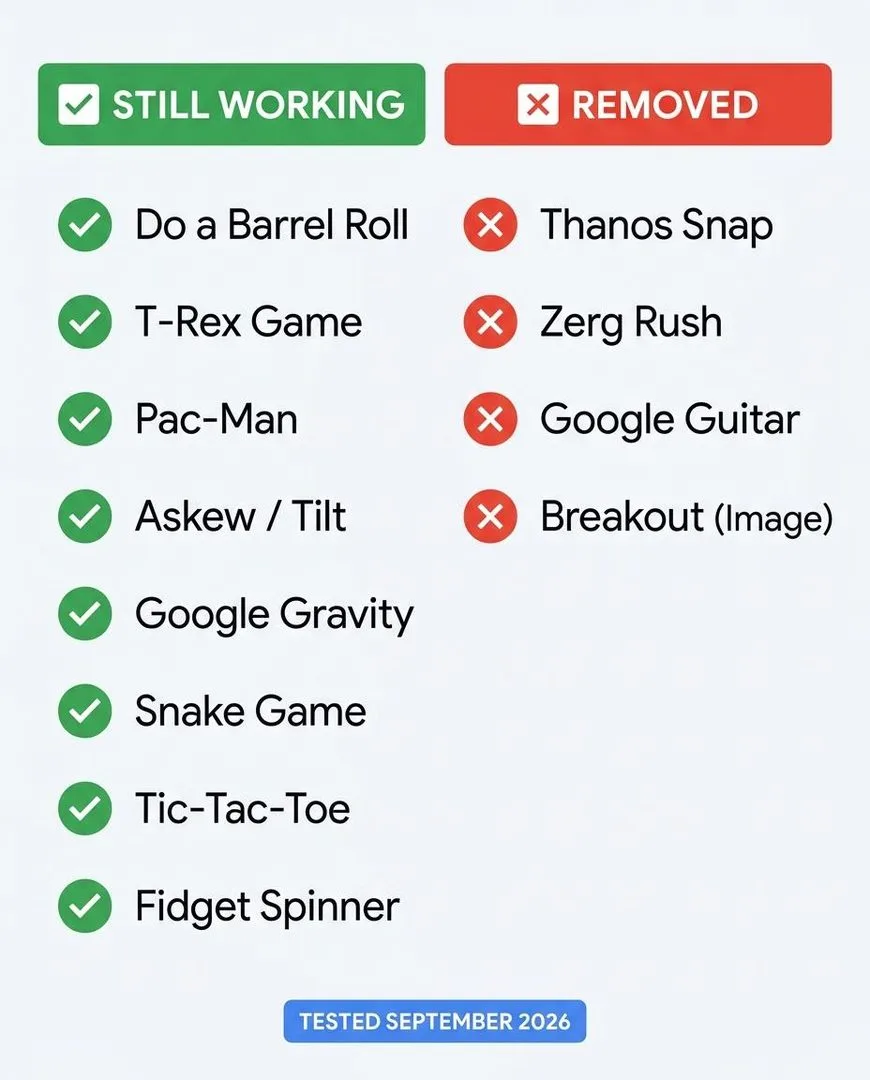
42. Thanos snap
❌ Retired — preserved on elgoog.im
How: Search “Thanos” → click the Infinity Gauntlet (retired)
Half your search results disintegrated into ash, mimicking the snap from Avengers: Infinity War. Click again to reverse it. Released in 2019 for the Endgame premiere and retired sometime after 2023. The most cinematic Google easter egg ever built.
43. Google Gravity
❌ Retired — preserved on elgoog.im
How: Visit elgoog.im/gravity
Every element on the Google homepage — logo, search bar, buttons — falls to the bottom of the screen. You can pick up the pieces and throw them around. Originally a Chrome Experiment by developer Mr. Doob, not an official Google feature, but universally treated as one.
44. Atari Breakout in Google Images
❌ Retired — preserved on elgoog.im
How: Visit elgoog.im/breakout
Google Images used to transform into a playable Breakout game where the image thumbnails became bricks. Retired from Google but still one of the most-requested easter eggs on every list.
45. Google Underwater
❌ Retired — preserved on elgoog.im
How: Visit elgoog.im/underwater
The Google homepage submerged underwater with fish swimming around the logo. Click to create bubbles. A peaceful, pointless, perfect waste of time.
Why Google removes easter eggs
Google retires easter eggs for three reasons, and knowing them helps you predict which ones will go next:
- Technology changes. Atari Breakout relied on the old Google Images grid layout. When Images was redesigned, the game broke and Google did not rebuild it.
- Promotional period ends. The Thanos snap was tied to the Endgame premiere. The BTS and BLACKPINK eggs are tied to album cycles. When the promotion ends, the code is deactivated.
- Performance impact. Easter eggs that run animations on the results page add load time and can interfere with ads and featured snippets. As Google’s results page has become more commercially valuable, the tolerance for playful interruptions has decreased.
The safest easter eggs are the ones that live in a knowledge panel (Wizard of Oz, Sonic, Super Mario) rather than modifying the entire results page. Panel-based eggs survive redesigns because they are contained. Page-wide effects like Zerg Rush are the most vulnerable.
Easter egg not working? Check these four things
- It was retired. Google removes easter eggs without announcement. If it is not marked ✅ above, it is probably gone from Google. Check elgoog.im for the preserved version.
- Wrong product. A Maps easter egg will not work in Search. An Android easter egg requires an Android phone. An Assistant egg requires voice activation. Match the product to the method.
- Ad blocker interference. Some easter egg animations are blocked by ad blockers. Temporarily disable yours on google.com and retry.
- Regional Google domain. Many easter eggs only fire on google.com, not google.co.uk or google.de. Switch to the US version and try again.
Google Easter eggs: FAQ
What Google Easter eggs still work in 2026?
Over 45 Google easter eggs are verified working in September 2026 across Search, Maps, Android, YouTube, Chrome, Google Docs and the Google Assistant. In Search: Wizard of Oz, Sonic, Super Mario Bros, cha cha slide, Conway’s Game of Life, googly eyes, blink HTML, and more fish please. In Maps: Loch Ness Pegman, Area 51 UFO, TARDIS interior, ISS walkthrough. In Android: hidden games in every version from 5 through 17. In Chrome: the T-Rex game with holiday variations. The full verified list is above.
What Google Easter eggs have been removed?
The Thanos snap, Zerg Rush, Atari Breakout in Images, Google Gravity, Google Underwater, Google Space and Google Zipper have all been retired from Google. All of them are preserved and playable on the fan archive elgoog.im.
Where are Google Easter eggs hidden besides Search?
Google hides easter eggs in Maps (Pegman transformations at specific locations), Android (hidden games in Settings → About Phone), YouTube (search-triggered effects), Chrome (special pages like chrome://dino and chrome://interstitials), Google Docs and Sheets (language options and cell triggers), Google Earth (flight simulator, Moon and Mars surfaces), and the Google Assistant (voice-triggered joke responses).
Why is 67 a Google Easter egg?
Searching 67 triggers a confetti animation referencing the “six-seven” meme that went viral in late 2024. It was added in 2025 alongside a John Cena tribute and other pop-culture eggs. Full coverage of the 67 trick, do-a-barrel-roll, askew and all the Search-specific tricks is in our separate Google tricks guide.
Are Google Easter eggs safe?
Yes. Every easter egg on this page is a harmless visual effect or interactive feature built by Google’s own engineers. None install anything, change settings, collect additional data, or affect your accounts. The ones on elgoog.im are fan-built recreations hosted on an independent site.
How do I find the Android hidden game?
Go to Settings → About Phone → tap the Android version number rapidly several times. An animation or icon appears. In some versions, long-pressing or tapping the icon again launches a hidden game. The game is different for each Android version — Android 5–6 had Flappy Bird, Android 11 had a cat collector, Android 14 had a space theme, and Android 17 has Landroid.
Start with the Wizard of Oz and go from there
Search “Wizard of Oz,” click the ruby slippers, and watch your screen turn to sepia. Then try the TARDIS in Google Maps. Then find the hidden game in your phone’s Settings. Each one takes less than a minute, and the fact that Google’s engineers built them for no reason other than fun is the reason they are worth finding.
For the Search-specific tricks, hidden games and search operators, our complete guide to Google tricks covers all 50. For more ways to kill time, websites to cure boredom has 50 places to go, games to play when bored covers everything from browser to outdoor, and things to do when bored is the master list.